280 Studio For businesses Join the test

Dex280 · for Mac · now in testing

Capture it. Copy it. Paste it.

Screenshots, screen recording, clipboard history and text snippets, in one small app that lives in your menu bar.

Free while in testing. Mac with Apple chip, macOS 14 or newer.

Screenshots ⌥⇧4

Snap, mark up, send.

Area, window, full screen, long scrolling pages, or a 5-second timer for open menus. Copy text straight off the screen, even from a photo. Add arrows, boxes, numbers, text or blur, then drag the picture right into Messenger or email. Pin one so it floats above everything.
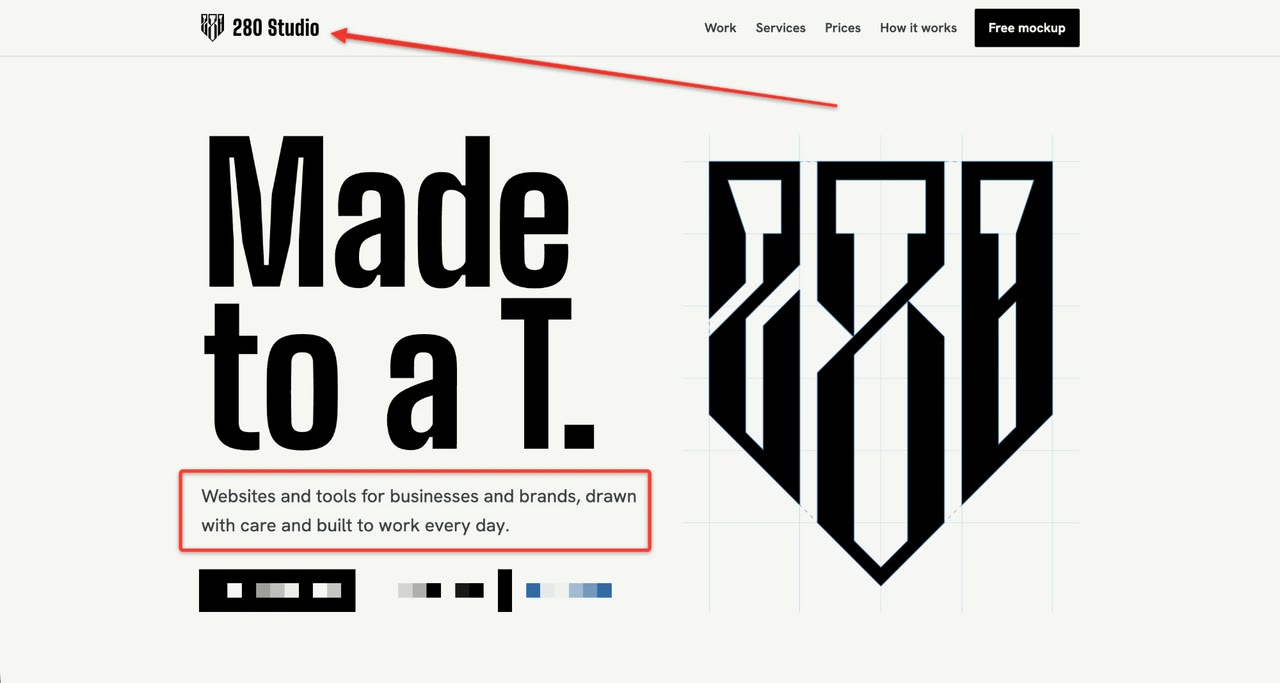
A screenshot of the 280 Studio website marked up in Dex280 with an arrow, a red box and a blurred area

Screen recording ⌥⇧6

Record once. It zooms for you.

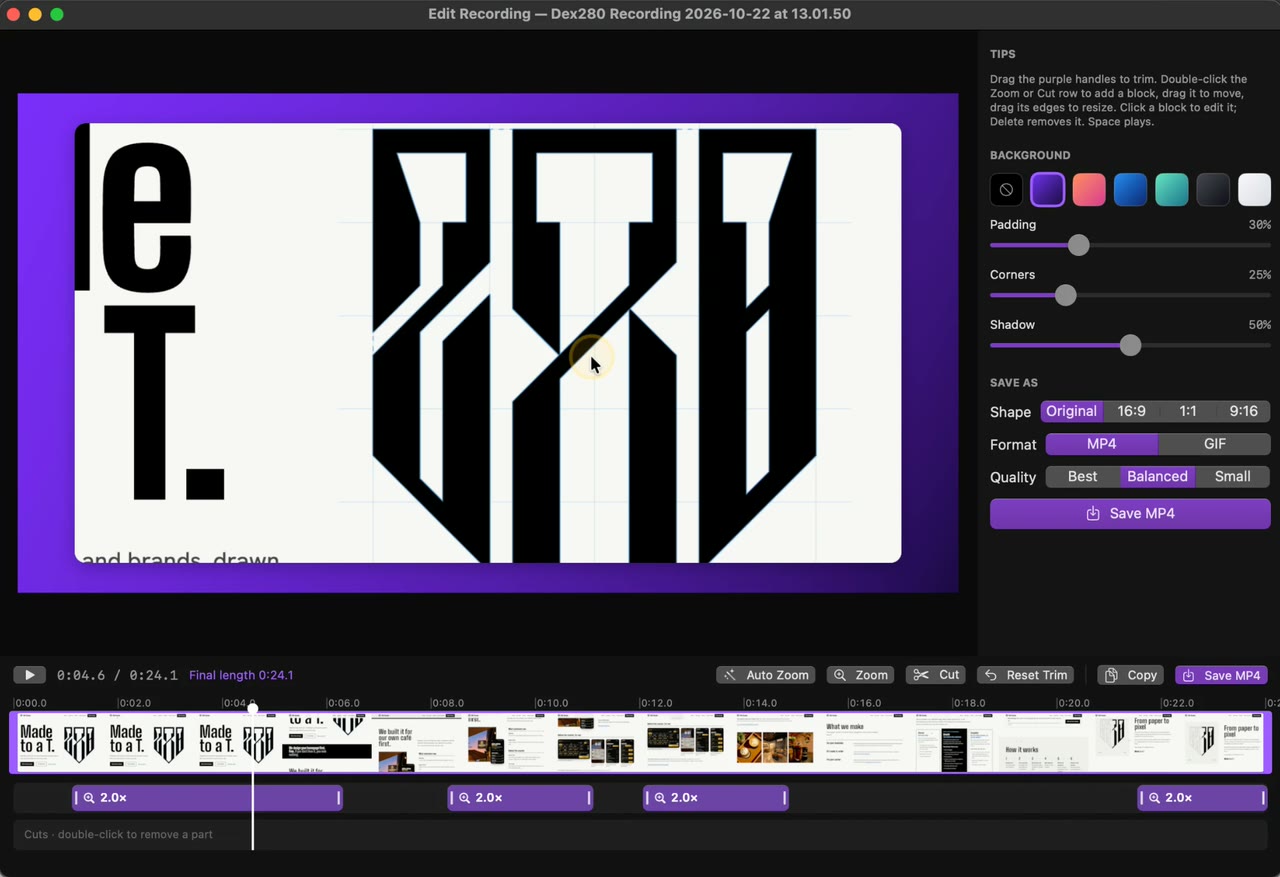
Record an area or a window. Smart zoom follows your clicks, so viewers see exactly what you did. Trim, cut, add a clean background, and export for Reels, square or wide, as video or GIF.

The Dex280 video editor zoomed in on a click, with zoom blocks on the timeline and a Save MP4 button

Clipboard history ⌥⌘V

Everything you copied, one shortcut away.

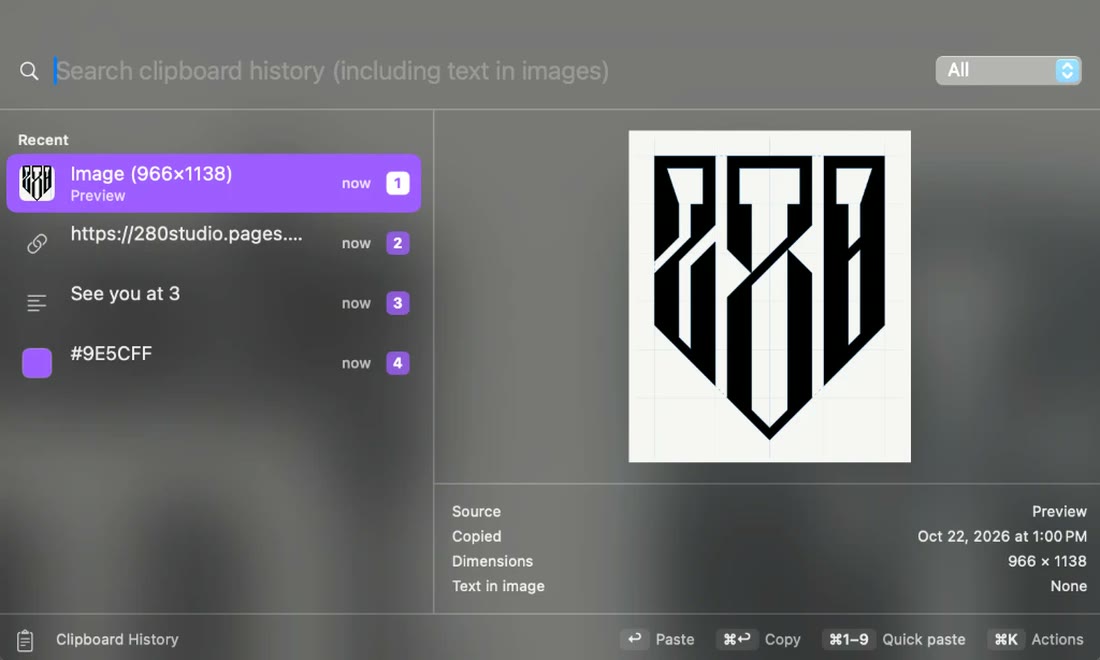
⌥⌘V opens it: text, links, images, files. Search it, even the words inside pictures. Paste slots: ⌃⌥1 to ⌃⌥9 paste item 1 to 9 instantly, without shuffling your list. Filling in a form? ⌃⌥0 pastes the next item each time.

The Dex280 clipboard history panel with an image, a link, a phrase and a colour code, numbered 1 to 4

Snippets ⌥⌘N

Type ;addr. Get your whole address.

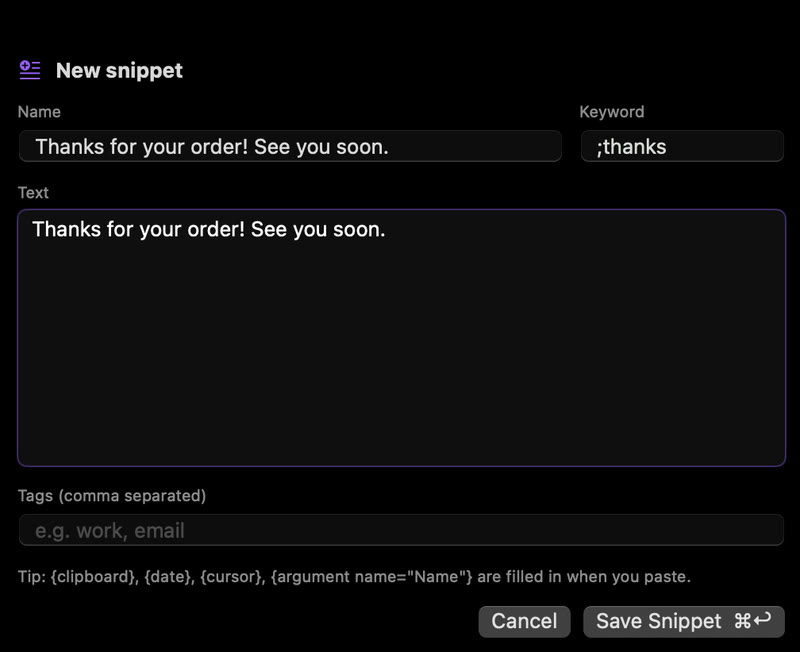
Short keywords turn into full text anywhere you type. Select any text and press ⌥⌘N to save it as a snippet. Add today's date, what you just copied, or a blank to fill in before it pastes.

The Dex280 New snippet window with the keyword ;thanks and the text Thanks for your order! See you soon.

Nothing leaves your Mac.

Dex280 doesn't connect to the internet. Your screenshots, recordings and clipboard stay on your Mac. Anything copied from a password manager is skipped, and snippets never expand in password fields.

What you need

  • Mac with Apple chipM1 or newer
  • macOS 14 Sonoma or newerTo check, click the Apple menu, then About This Mac.
  • Two permissionsScreen Recording and Accessibility

Every shortcut can be changed.

Help shape Dex280.

We're looking for a few Mac users to use it every day for a week and tell us what's slow, confusing or missing. Testers get it free.

Join the test

Questions

Is it free?

Free while in testing. Pricing comes at launch, and testers hear first.

Does it work on an Intel Mac?

Not for now. It needs a Mac with an Apple chip (M1 or newer).

Does it upload my screenshots or clipboard?

No. Everything stays on your Mac. Dex280 doesn't go online.

My Mac says it can't check the app. Is that safe?

That's normal for test versions not sold through Apple yet. Our short tester guide shows the two clicks to open it.

Can I change the shortcuts?

Yes, every one, in Settings → Shortcuts.

Is there a Windows or iPhone version?

Mac only for now.

What does a tester do?

Use it as normal for a week and send short notes, ideally with a screenshot. About 30 minutes to try everything once.